 VPNomad
1.
Get and install Wireguard client from Mac App Store here
2.
Run the Wireguard application, then use "Import tunnel(s) from file" option and import the Amigo VPN configuration file(s) (available for download here).
3.
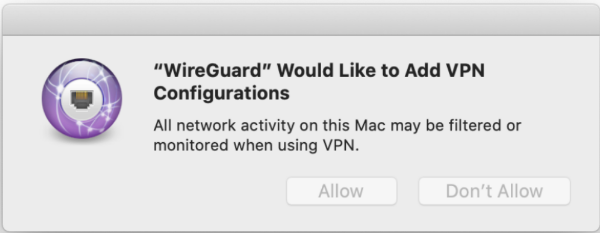
Allow to add VPN configuration when prompted.
4.
Each tunnel location has its own individual configuration.
You may import as many tunnel's configurations as you want.
That way you will be able to easly change your tunnel location to any available country/city.
5.
Activate Amigo VPN tunnel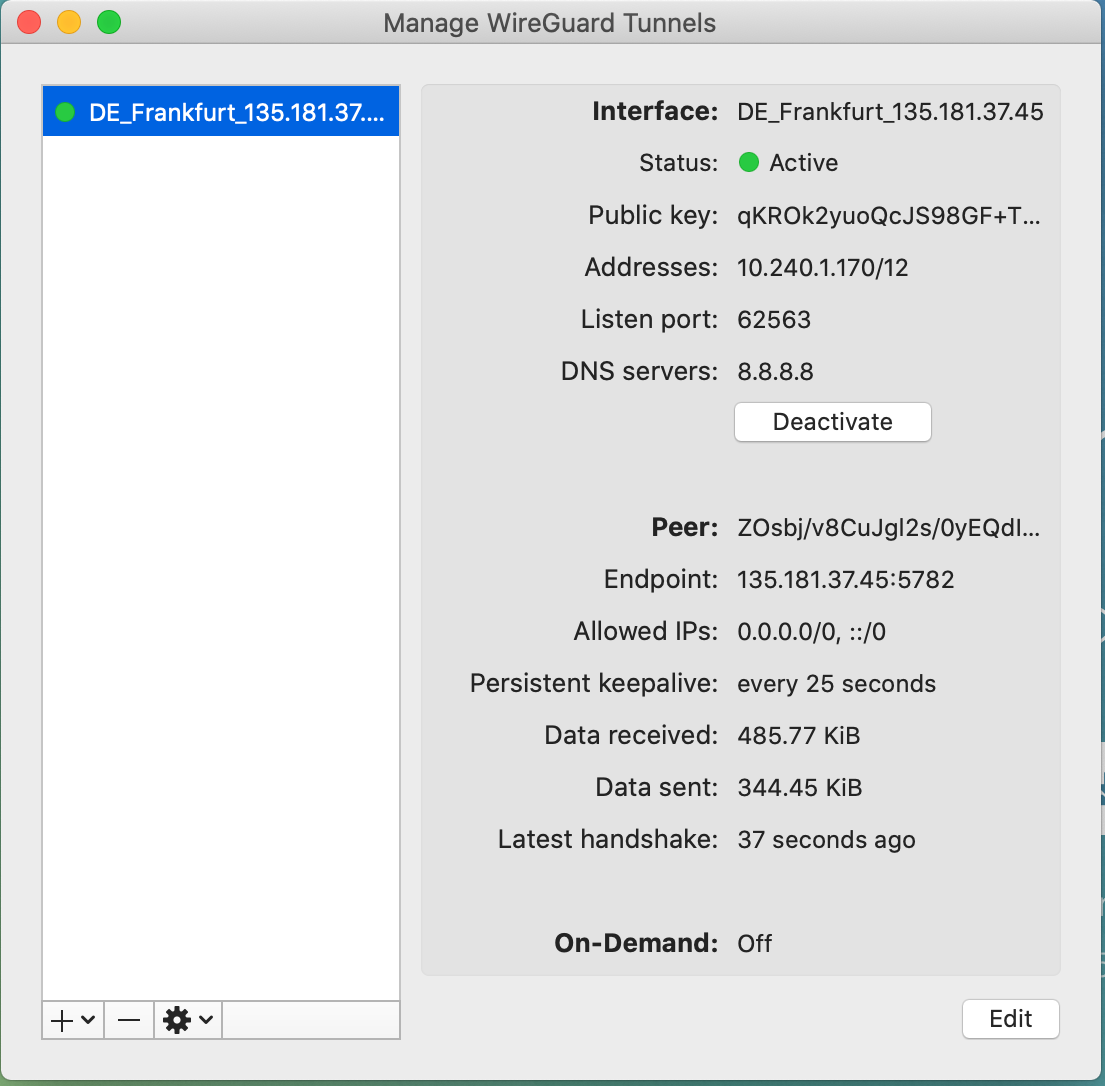
Make yourself comfortable as you are secure from that point.